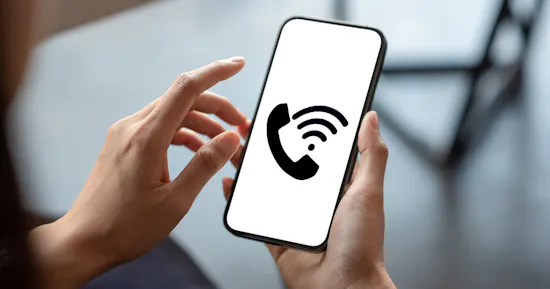
Wi-Fi Calling
For a better reception indoors

Who can use Wi-Fi Calling?
You need a smartphone and operating system supporting Wi-Fi Calling
There has to be a Wi-Fi connection and good internet connection
Mobile plan and prepaid users can use Wi-Fi Calling

Better Reception in Enclosed Spaces

No Additional Apps Needed to Call or Send SMS

No Additional Basic Fees
You need an operating system that supports Wi-Fi Calling (software):
Apple: iOS 10.3 and newer
Android: Android version 7.0 and newer
The Wi-Fi Calling function must first be enabled on the smartphone in the device settings. If your device does not have this setting option, it does not support this function.
Wi-Fi Calling will be automatically working after activation. If the mobile phone signal is not strong enough and you have an adequate connection to a Wi-Fi network, your smartphone will automatically switch to Wi-Fi Calling, and route your calls over the Wi-Fi network.
FAQ
You can tell if you are using Wi-Fi Calling by the symbol on the smartphone display:
Android: In the notification bar of the phone, the symbol for WLAN connections indicates when a WLAN connection has been established and the service is ready.
iOS: The notification bar will show “Lebara Wi-Fi Calling” when Wi-Fi Calling is enabled.
No monthly fee is applied for using Wi-Fi Calling. Phone services (calls & SMS) are billed according to your current rate.
Wi-Fi Calling connections are not specifically marked or identified as such on your monthly bill.
Currently, you can only use Wi-Fi Calling in WLAN networks within Switzerland. Wi-Fi Calling abroad is not possible; i. e. connecting abroad is always done via mobile signal and roaming charges will apply.